
Free Online Image Compressor - Reduce JPG, PNG & WebP Sizes
How Much Can You Actually Shrink a Photo?
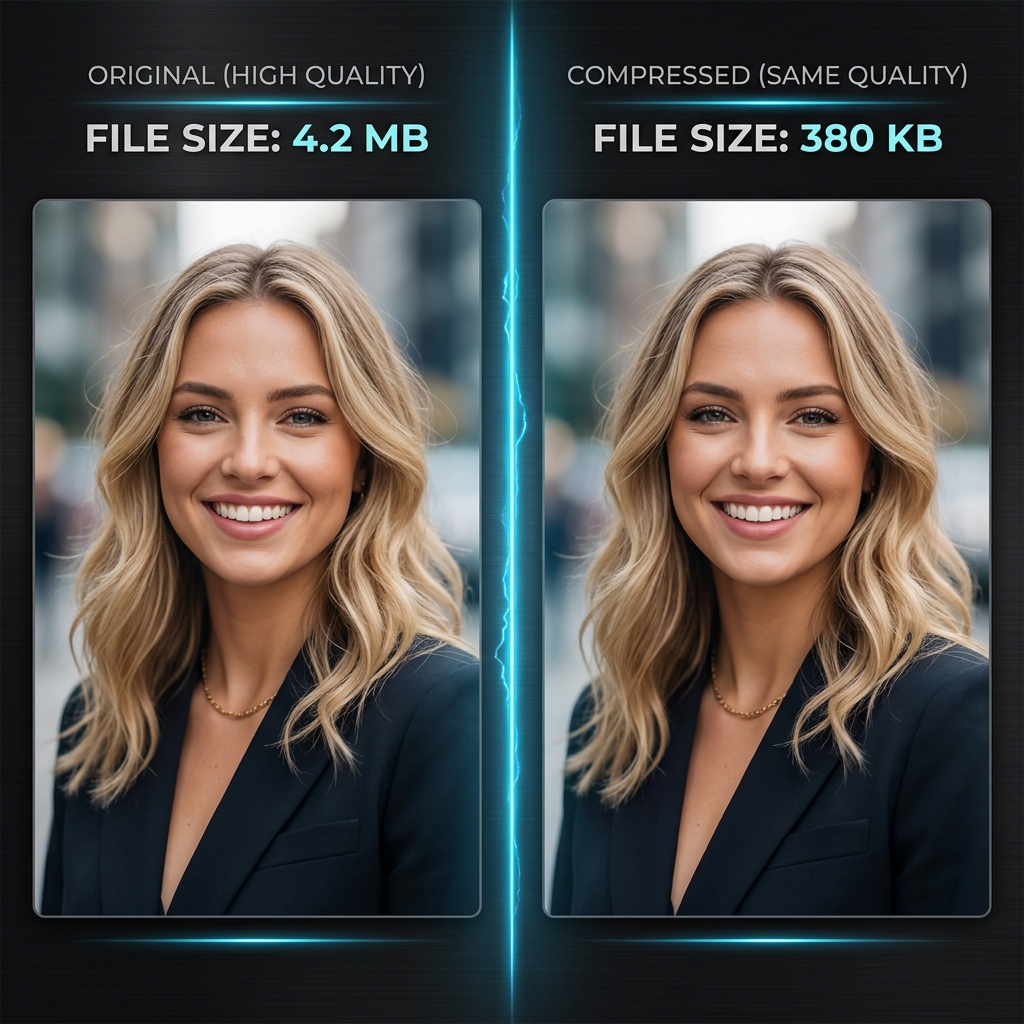
A standard iPhone photo runs 3–8 MB. Most websites, email tools, and messaging apps prefer images under 500 KB. Our free image compressor bridges that gap — reducing file sizes by up to 90% while keeping your photos looking sharp. Whether you're preparing images for a website, portfolio, or social media, you get smaller files without the telltale blur of over-compression.
Quality vs. Size: Finding the Sweet Spot
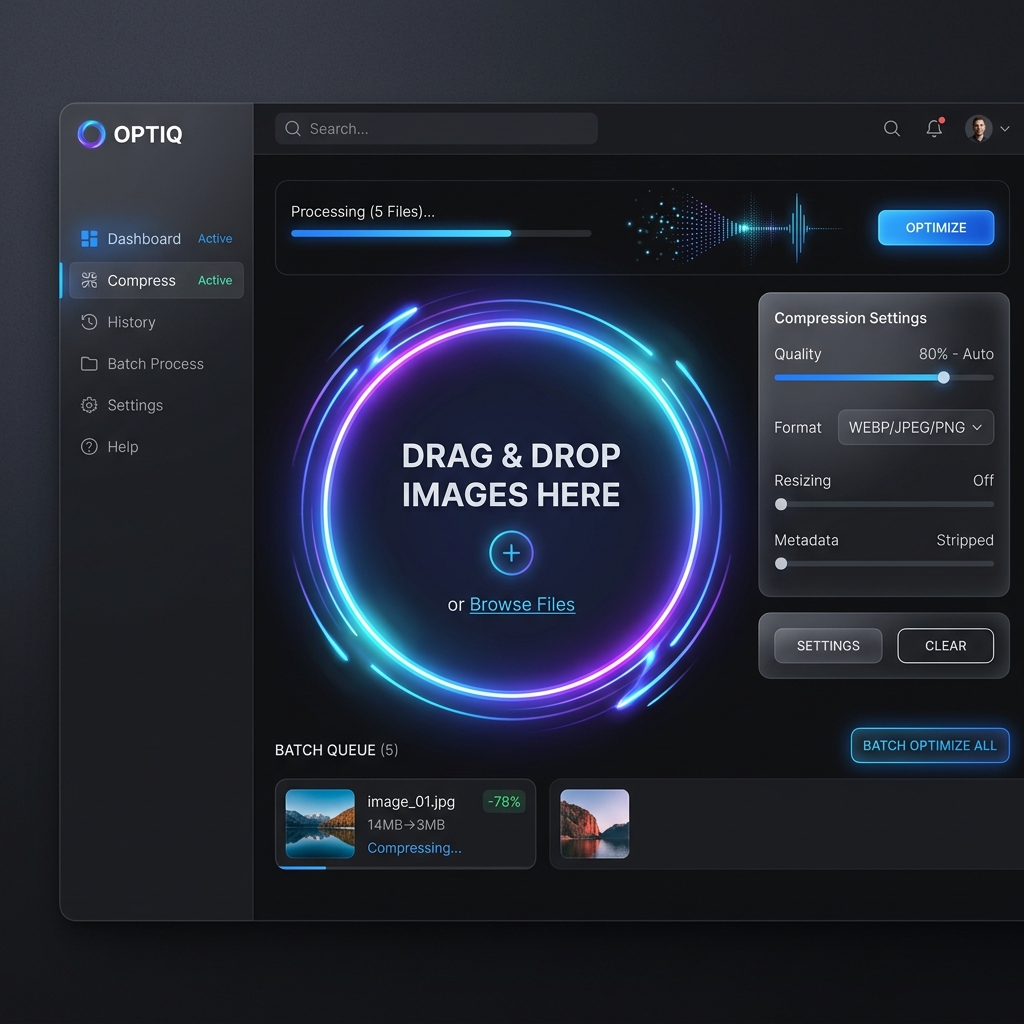
The quality slider is the most important part of this tool. Dragging it to 80% gives you a file that's 60–70% smaller with no visible difference on screen. Drop to 60% for maximum reduction — most users can't spot the difference at normal viewing size. The compression runs entirely in your browser via WebAssembly, so no files are uploaded anywhere.
JPG, PNG, and WebP — All Supported
JPG files compress by reducing color information. PNG files compress losslessly by default, but switching them to WebP can cut size by 30% more. If you're building a website, WebP is the modern standard — faster load times, better Google PageSpeed scores. Our compressor handles all three formats and lets you pick your output type.
Who Uses an Image Compressor?
- Web developers optimizing site performance and Core Web Vitals scores
- E-commerce stores that need fast product photos without blurry thumbnails
- Freelancers and agencies sending deliverables via email under attachment limits
- Photographers building online portfolios that load quickly on mobile
Your Files Stay on Your Device
Most free online compressors upload your photos to a server, compress them, then send them back. That means your images pass through someone else's system. ImageXpo runs entirely in your browser — compression happens on your hardware. Nothing leaves your device. No account needed, no file size caps.
Frequently Asked Questions
How do I compress an image without losing quality?
Set the quality slider to 75–85%. At that range, the file becomes 60–75% smaller but the difference is invisible at normal screen viewing size. Our compressor removes data the human eye can't detect — it doesn't blur or smear your image.
Can I control how much it compresses?
Yes. The quality slider gives you full control. Higher = bigger file, sharper look. Lower = smaller file, slight quality trade-off. The live preview shows you the result before you download.
Is there a file size limit?
No. Because compression runs on your own device via WebAssembly, we have no server costs to protect. You can compress a 50-megapixel photo or a batch of 20 images — there's no upload quota.
Is my photo safe here?
Yes. Your photo never leaves your browser. The compression runs locally on your hardware using WebAssembly. We have zero access to your files — they're processed entirely in your browser's memory and cleared when you close the tab.