JPG to PNG Converter Free Online - Lossless Transformation
Convert JPG to PNG Free — Lossless Output, Nothing Uploaded
JPG files lose a small amount of quality every time they are saved. When you need an image with a transparent background, or you want to edit a photo without accumulating compression damage, converting to PNG is the right move. PNG is lossless — it stores every pixel exactly. Our free JPG to PNG converter does this entirely in your browser, with no server upload and no account required.
When You Actually Need a PNG Instead of JPG
Transparent backgrounds: PNG supports transparency; JPG does not. Convert to PNG first, then remove the background using any image editor or ImageXpo's background remover. Logos and icons: Designers and developers need PNG so logos layer cleanly over any background color without a white box around them. Editing multiple times: If you plan to edit and re-save an image repeatedly, PNG prevents the progressive blurring that happens with repeated JPG compression. Text and screenshots: PNG keeps text and hard edges crisp; JPG creates visible blur artifacts around them.
File Size Will Increase — That Is Normal
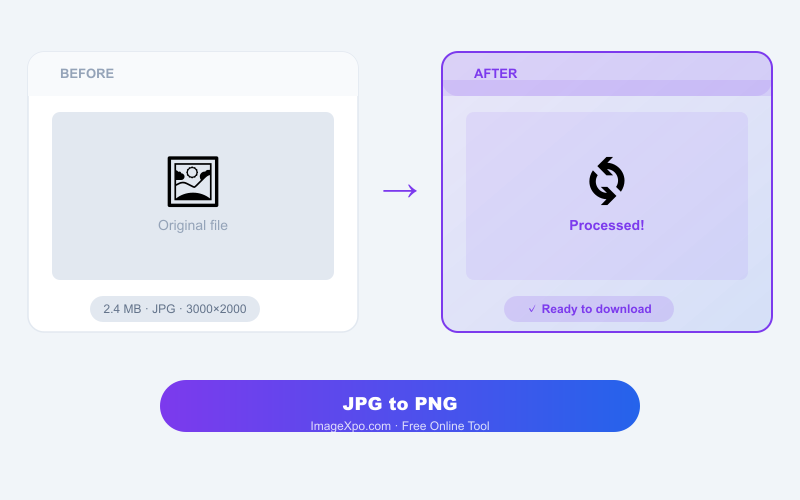
PNG files are larger than JPGs because they store more data. A 500 KB JPG photo might become a 2–4 MB PNG. If you need both transparency and a smaller file, consider WebP instead, which supports transparency at smaller file sizes.
Free, Private, Unlimited
Your JPG is never uploaded to any server. Conversion runs locally in your browser. No watermarks, no account, no daily limits.
Frequently Asked Questions
Does converting JPG to PNG improve quality?
No — conversion does not recover quality lost in previous JPG saves. It prevents any further quality loss by switching to a lossless format. Think of it as freezing the current quality.
Why is the PNG larger than my original JPG?
PNG stores every pixel without compression loss, so it holds more data than JPG, which discards some image detail to stay small. The larger size is normal and expected.
Is there a file size limit for the JPG I upload?
No hard limit. Since conversion runs in your browser rather than a server, you are limited only by your device memory. Most photos convert instantly.
Will the image dimensions change?
No. Width and height in pixels stay exactly the same. Only the file format and file size change.